Self-updater
nParse+ checks the project's GitHub releases at startup (disable in Settings → General). Drafts and prereleases are ignored; versions are compared properly (1.10 > 1.9).
You can also check on demand: Check for updates in the tray menu, or Check now in Settings → General. Either reports back even when you're already on the latest version.
When an update exists:
- the tray menu gains an Install update vX.Y.Z entry, and
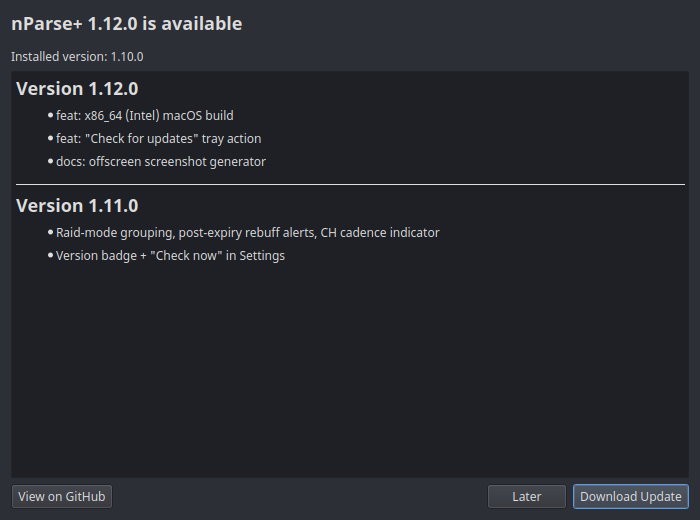
- clicking it shows a dialog with the release notes for every version between yours and the newest, then downloads the right asset for your platform:
| Platform | Asset picked |
|---|---|
| macOS | the .dmg matching your Mac's architecture (arm64 / x86_64) |
| Windows | .zip |
| Linux (tarball install) | .tar.gz |
| Linux (running inside the Flatpak sandbox) | .flatpak, handed to your software installer |
If the expected asset isn't on the release, the release page opens in your browser instead.
Settings always survive updates — see
Updating for the per-platform install
steps, and note that Flatpak installs are better served by plain
flatpak update.