Settings → Windows
A grid with one row per window — Maps, Discord, Spell Timers, DPS Meter, Mob Info, Console, Trigger Editor — and three columns:
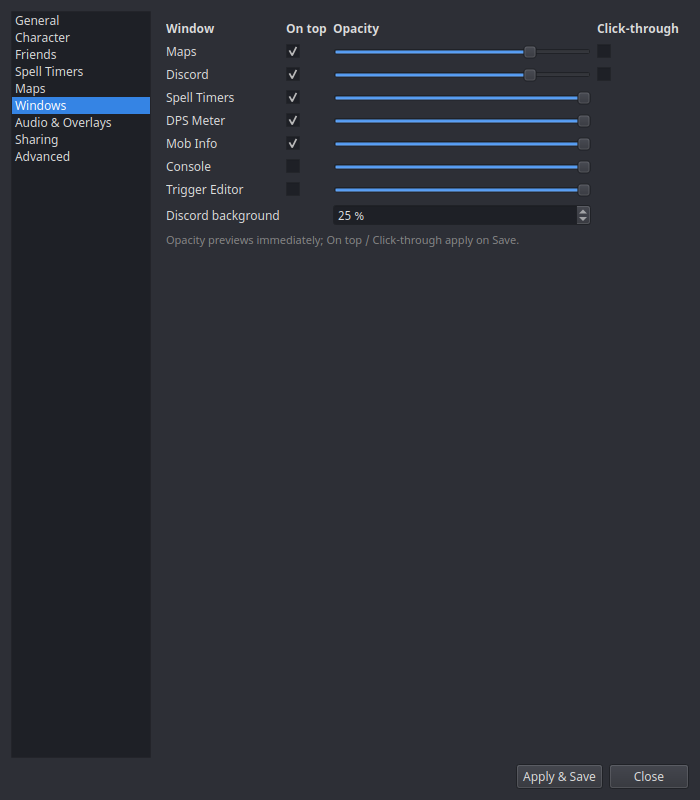
| Column | What it does |
|---|---|
| On top | Keep the window above the game (what makes an overlay an overlay). Applies on Save. |
| Opacity | Window transparency — previews live as you drag the slider. |
| Click-through | Clicks pass straight through to the game. Great for HUD-style overlays; remember you'll need to come back here to turn it off, since you can no longer click the window. Applies on Save. |
The Discord row has an extra Discord background opacity slider, which controls the overlay's backdrop separately from the window itself.
Window positions aren't set here — drag the windows themselves, and use tray → Window Layouts to save named position presets (Windows & Overlays).